

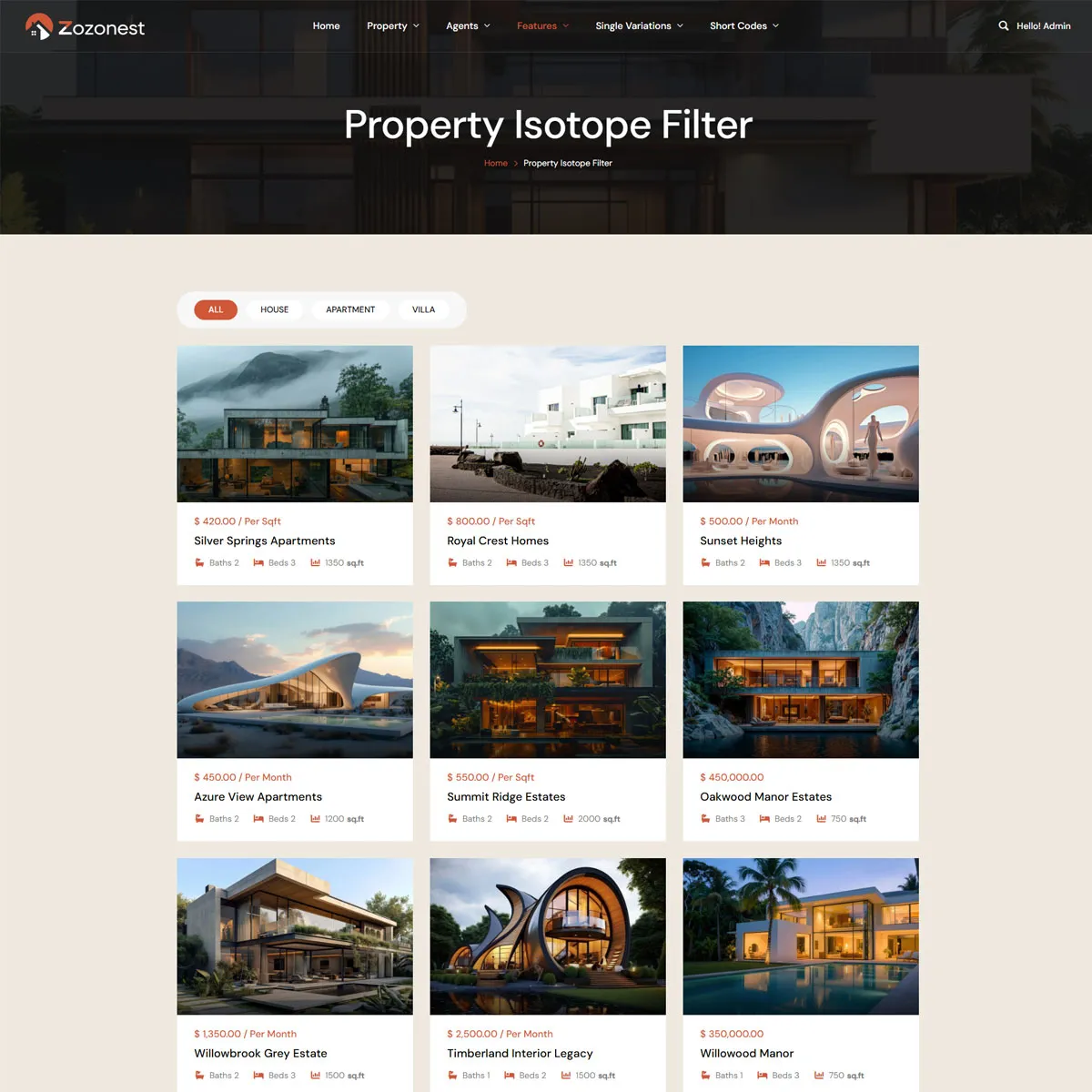
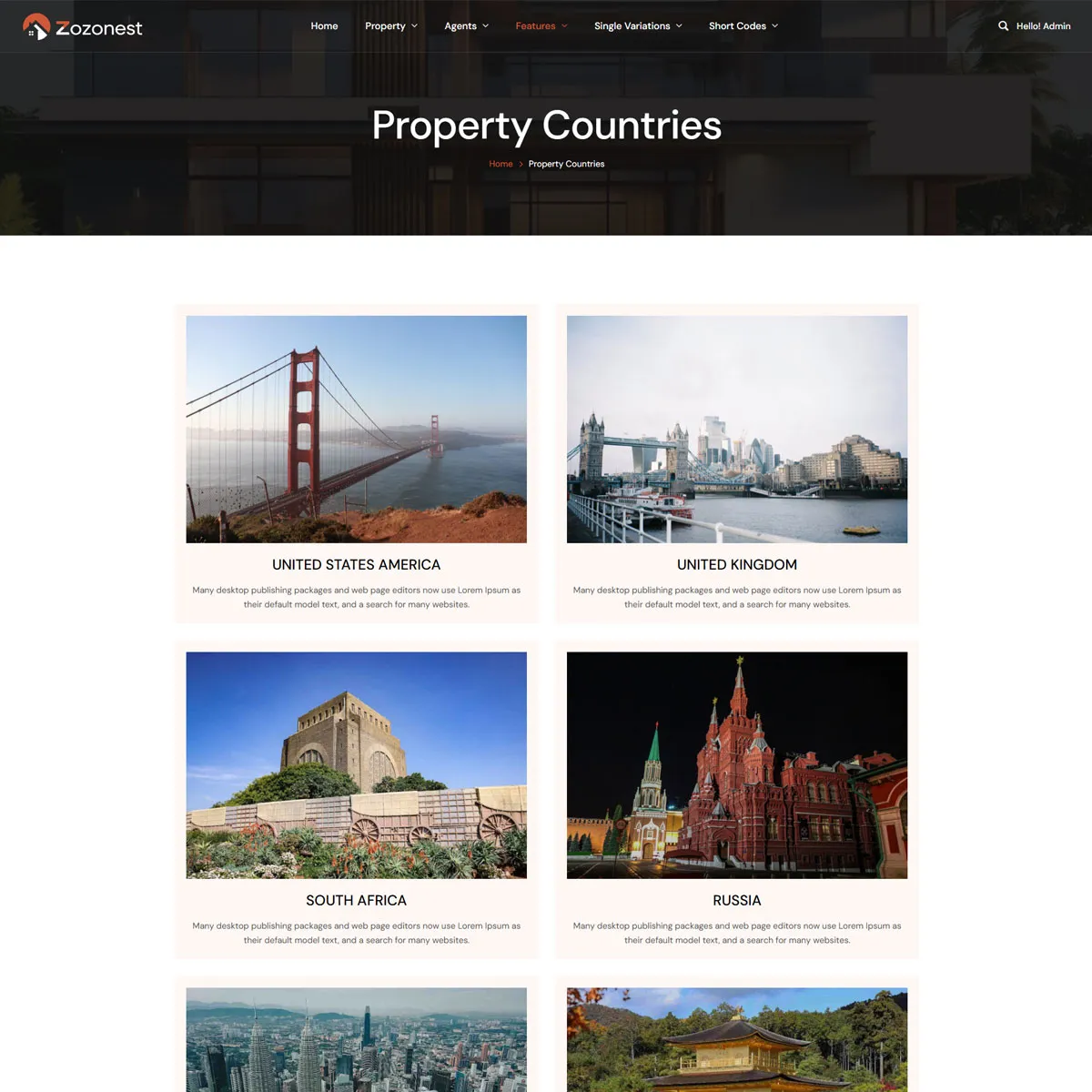
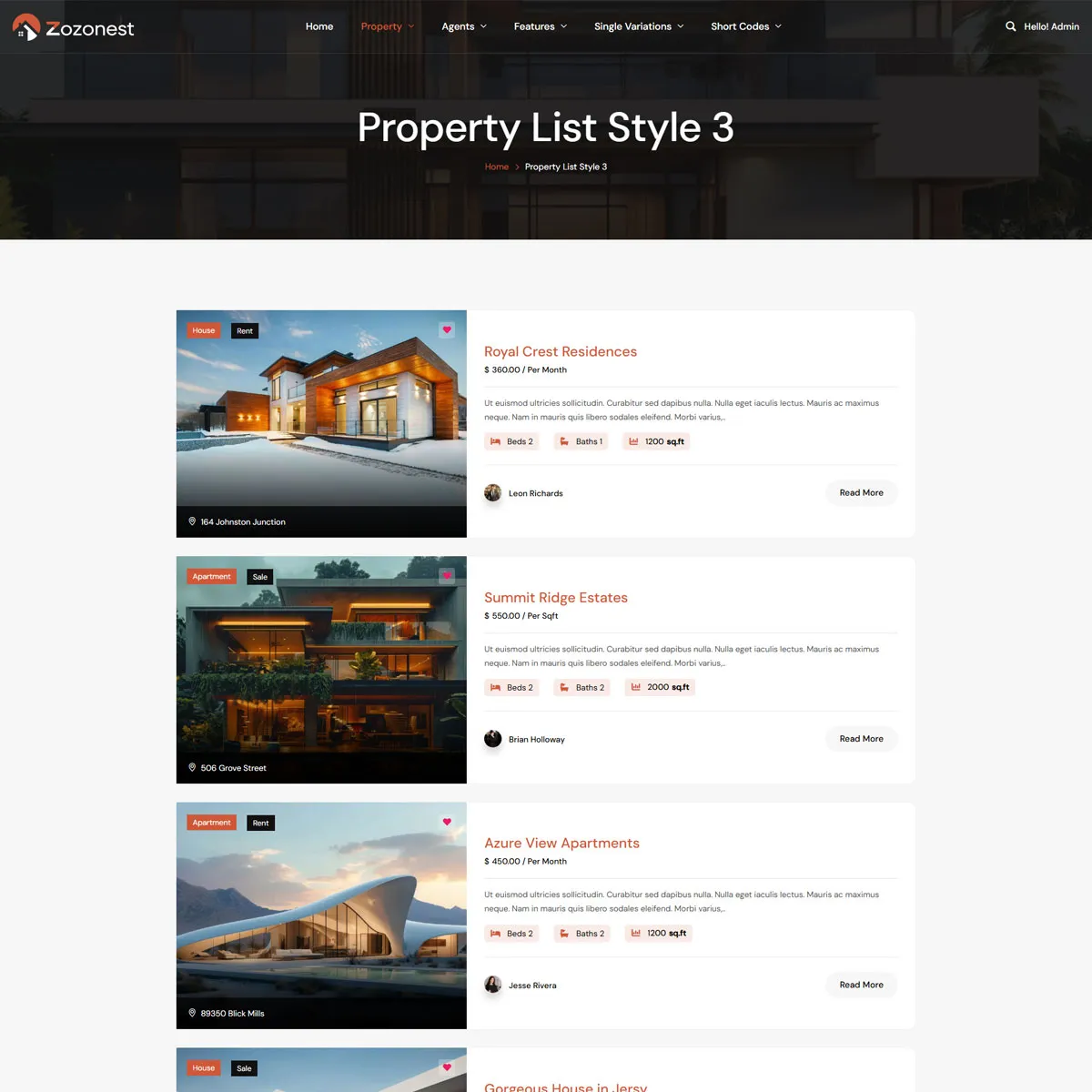
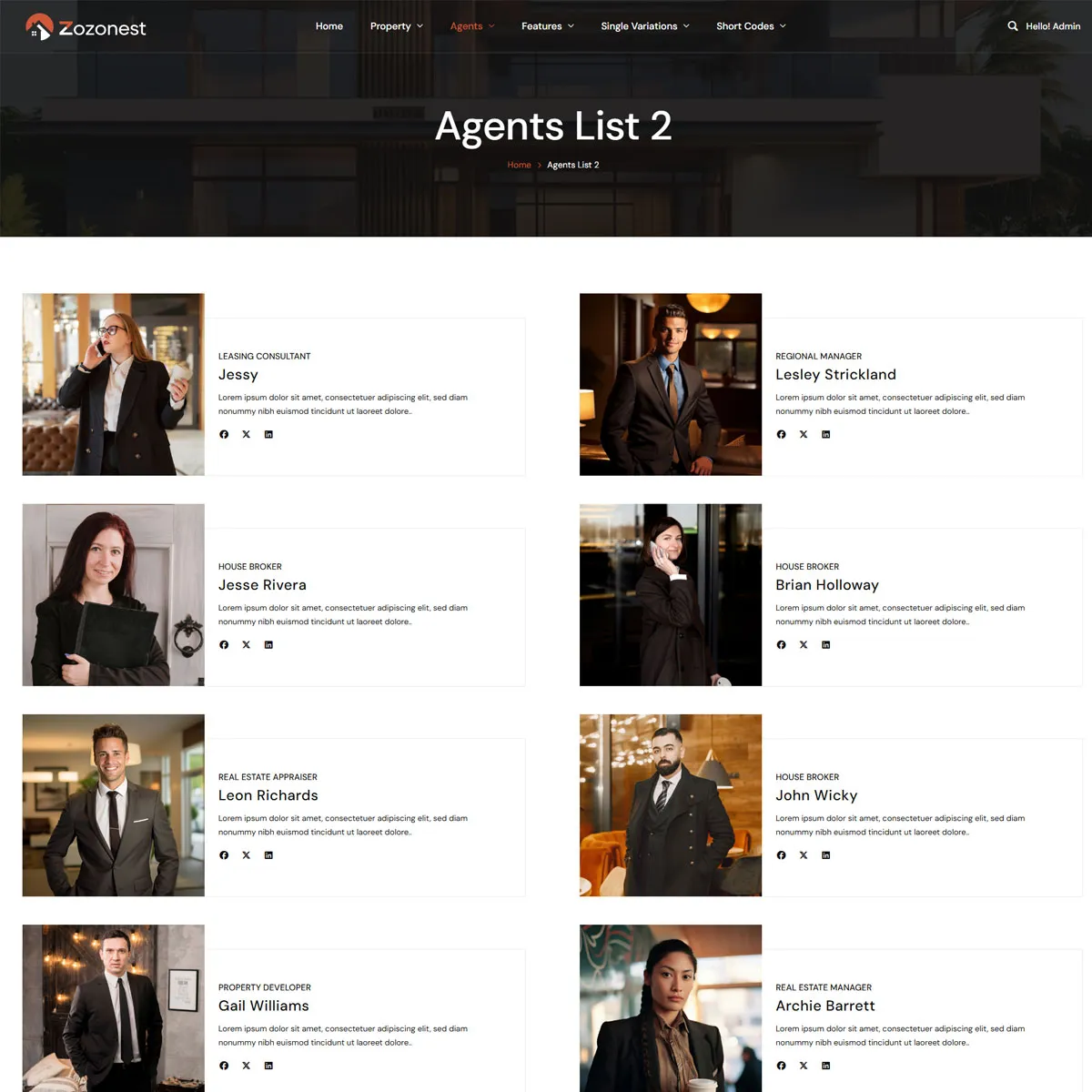
Modern Real Estate Platform

Build for Powerful Real Estate Websites with Zozo Nest

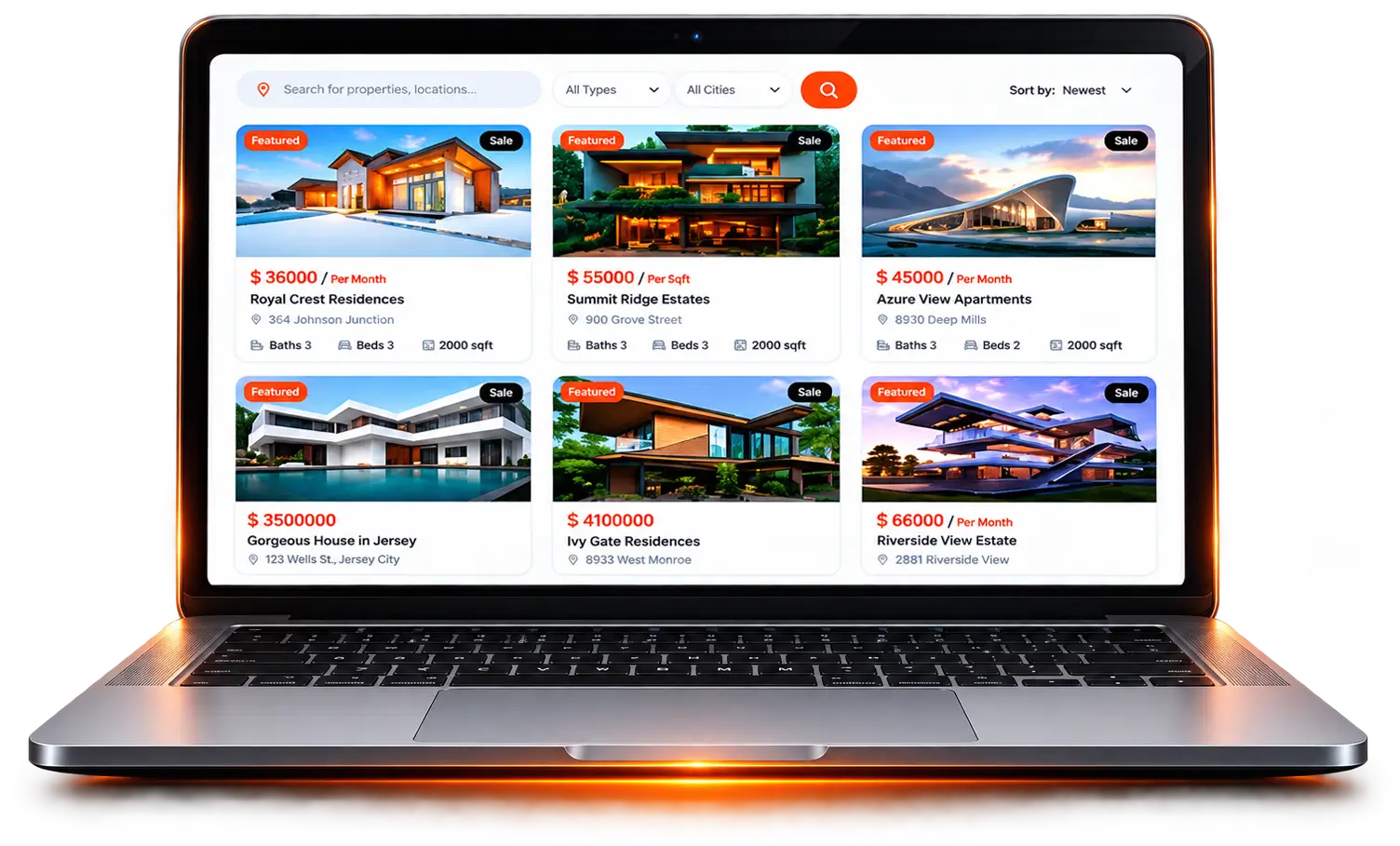
Create modern property listing websites with advanced search, agent profiles, and beautiful layouts using Zozo Nest.

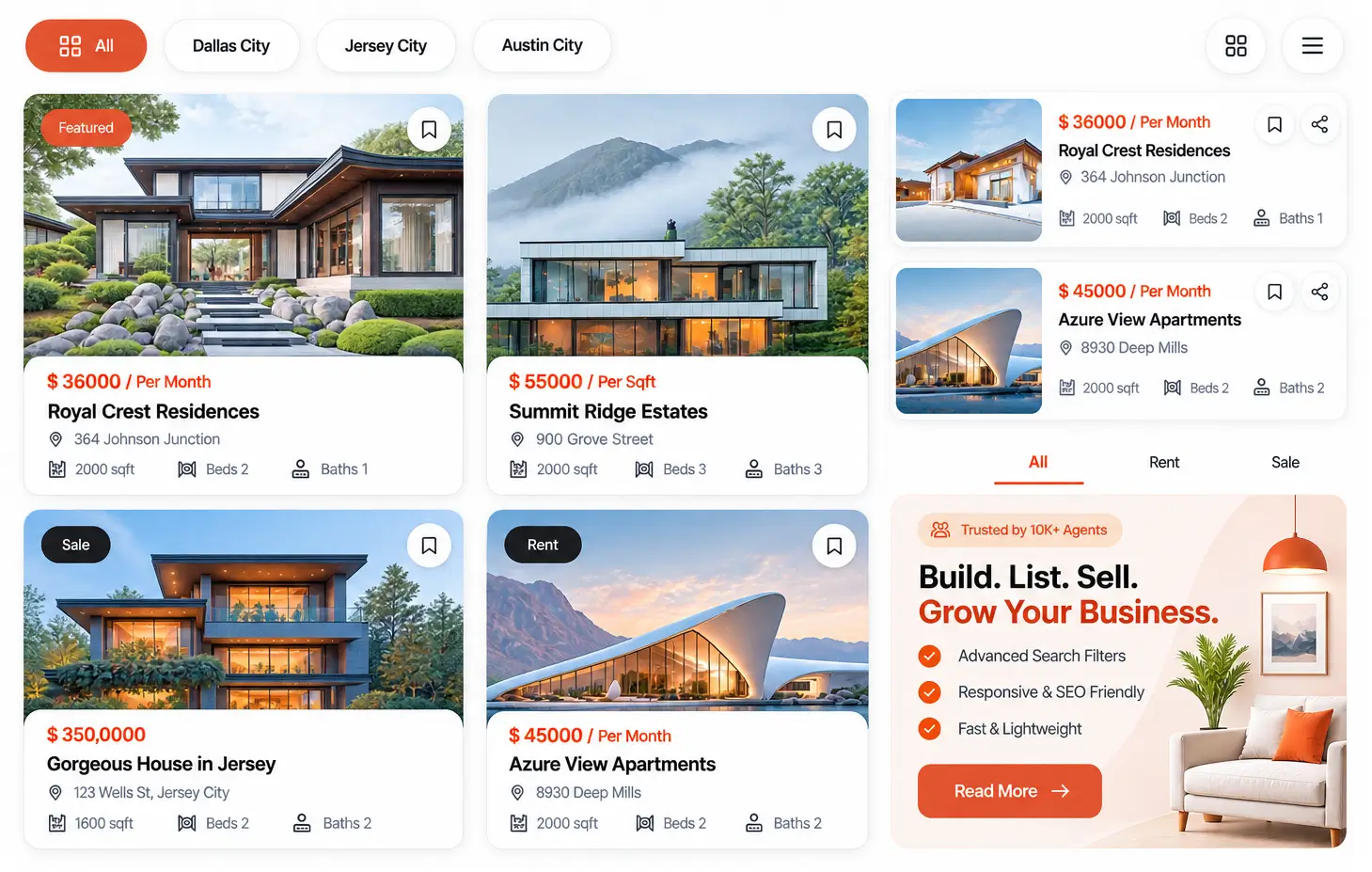
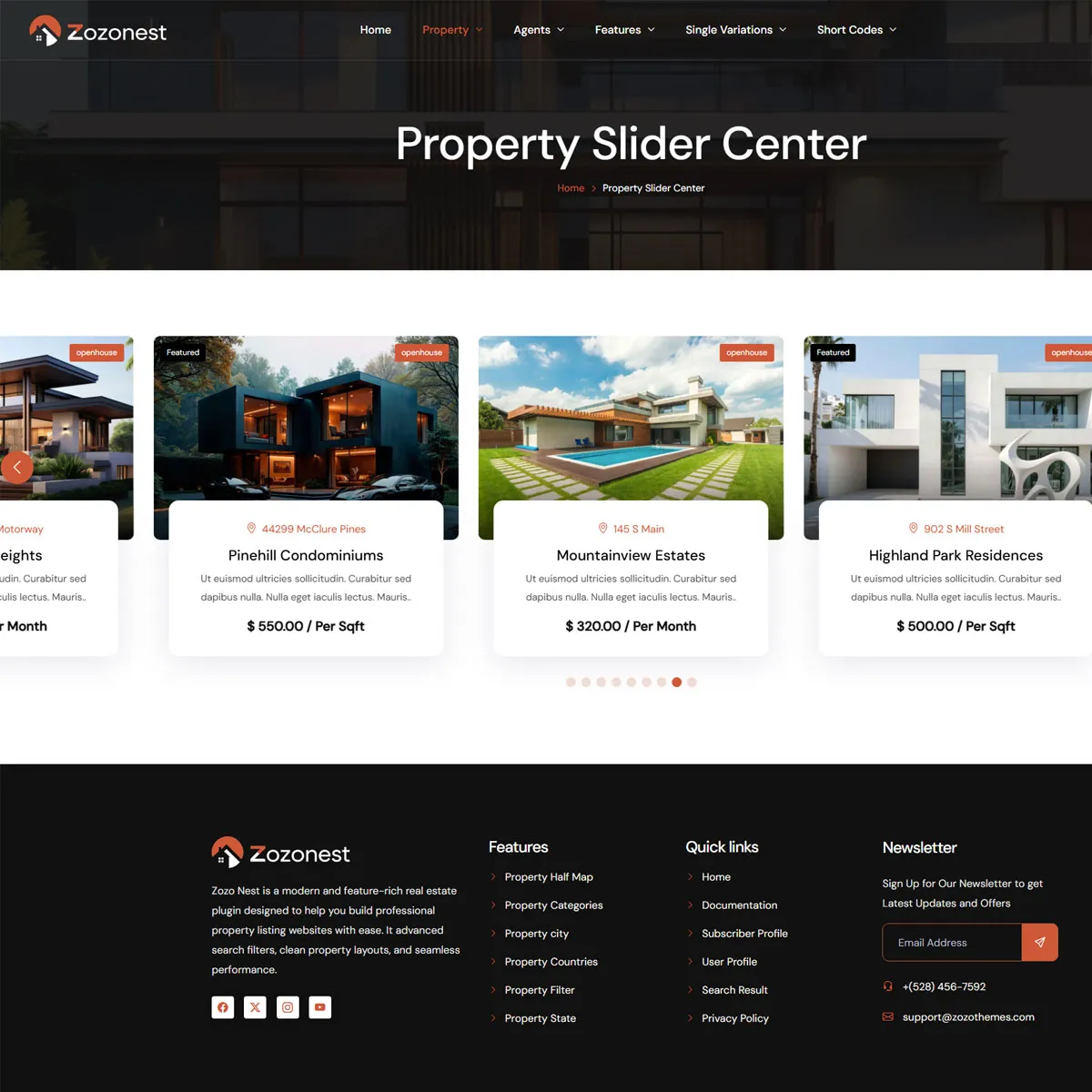
Modern Property Layouts
Showcase properties beautifully
Advanced Search
Find the perfect property
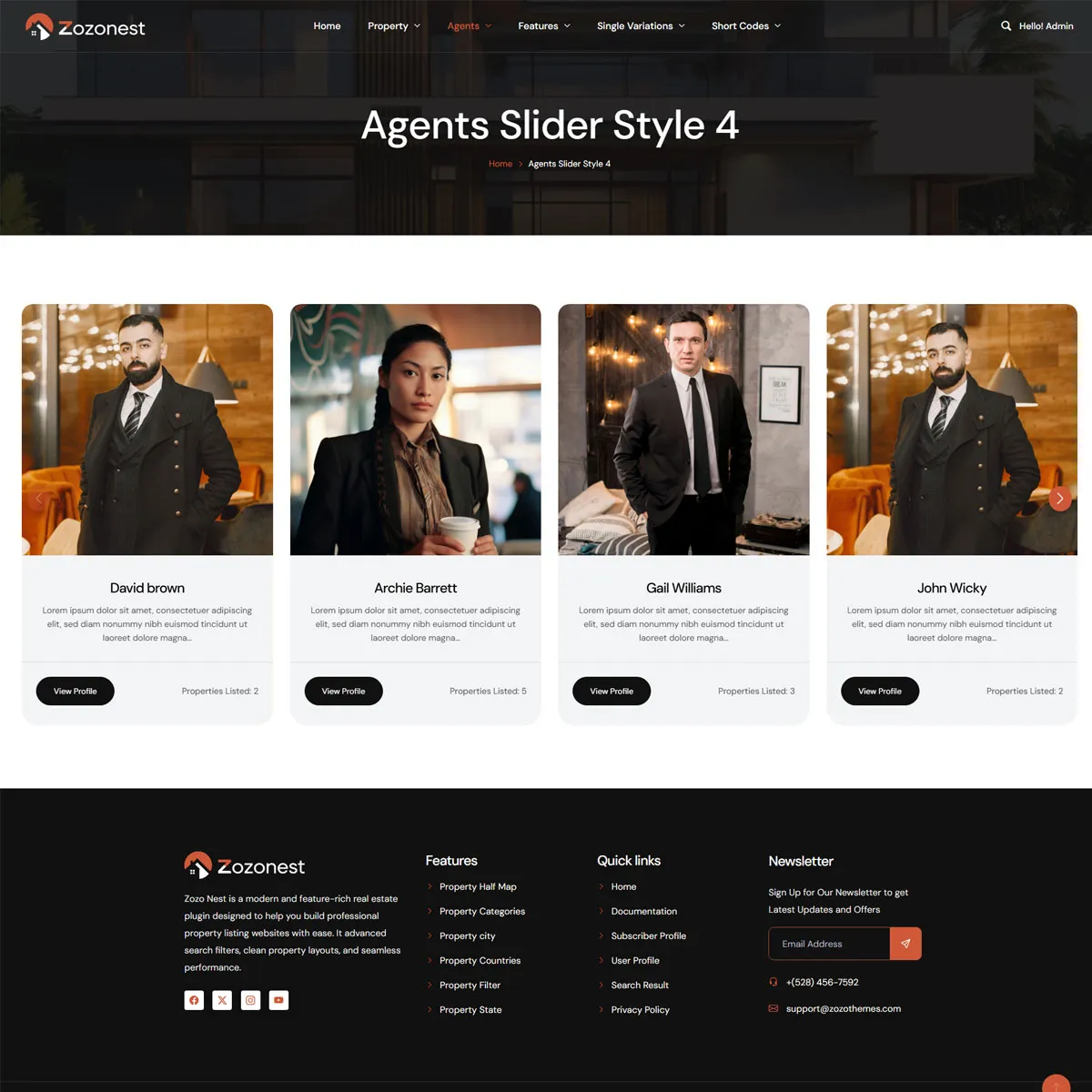
Agent Profiles
Connect with trusted agents
Fully Responsive
Looks great on all devices
Fast & Lightweight
Optimized for performance
Flexible & Scalable
Grow your real estate business
Modern Property Layouts
Showcase properties beautifully
Advanced Search
Find the perfect property
Agent Profiles
Connect with trusted agents
Fully Responsive
Looks great on all devices
Fast & Lightweight
Optimized for performance
Flexible & Scalable
Grow your real estate business
Listings. Leads. Growth.

Everything You Need for Real Estate Websites

Zozo Nest is a modern real estate plugin that helps you build professional property listing websites with ease. It includes advanced search filters, clean layouts, and powerful tools for agents and property management.

User Profiles
Manage Properties
Submit Properties
Manage Agents
Powering Modern Real Estate

Smart Property Modules​

Smart Property Modules combine intelligent features and flexible controls to create a seamless property management experience.

Enhanced Modern Layout

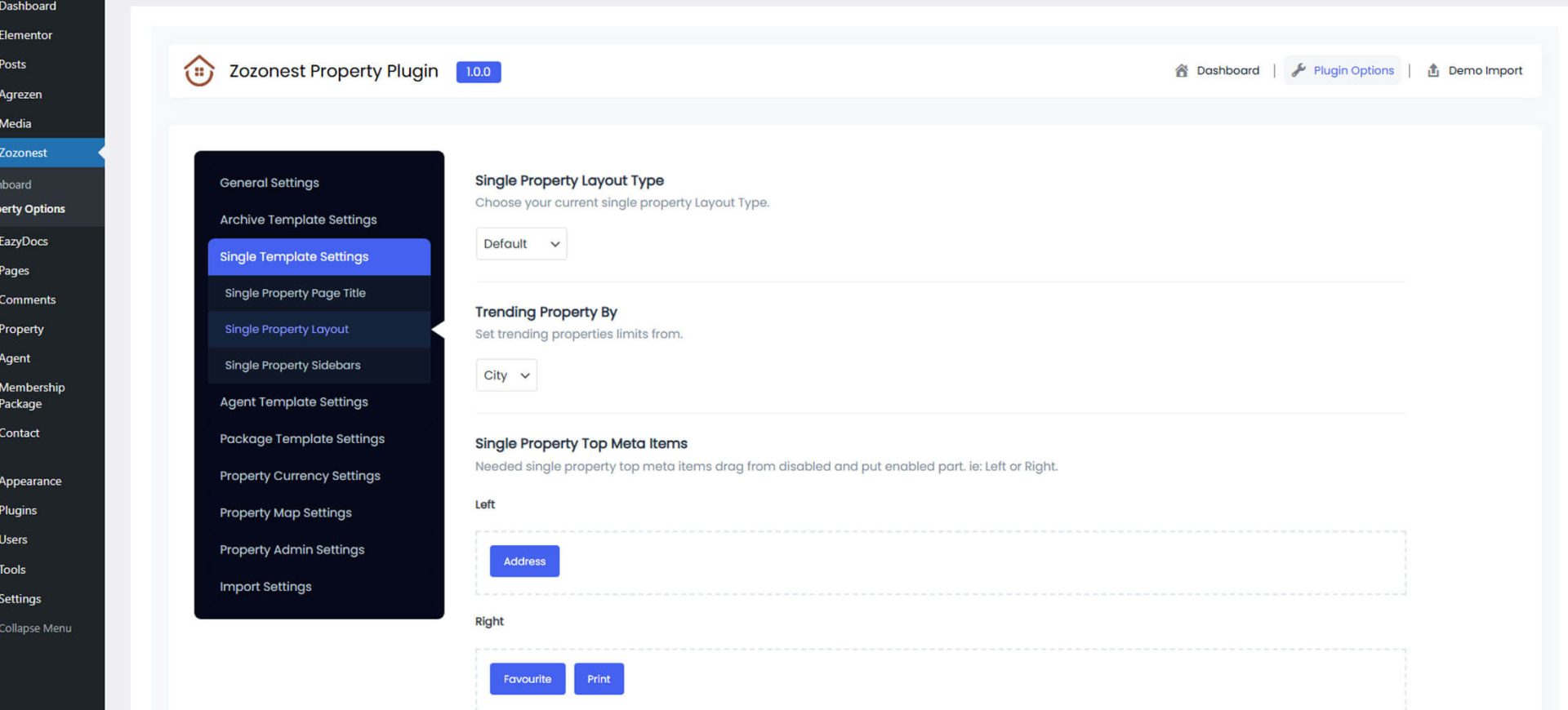
Modern Property Page Customization

Create powerful and flexible property detail pages with full layout control.

drag-and-drop-1.png
Page Interface Design
Complete redesign and styling of the property page to improve layout, structure, and visual appeal. Color schemes are adjusted to match your brand identity.
color-panel.png
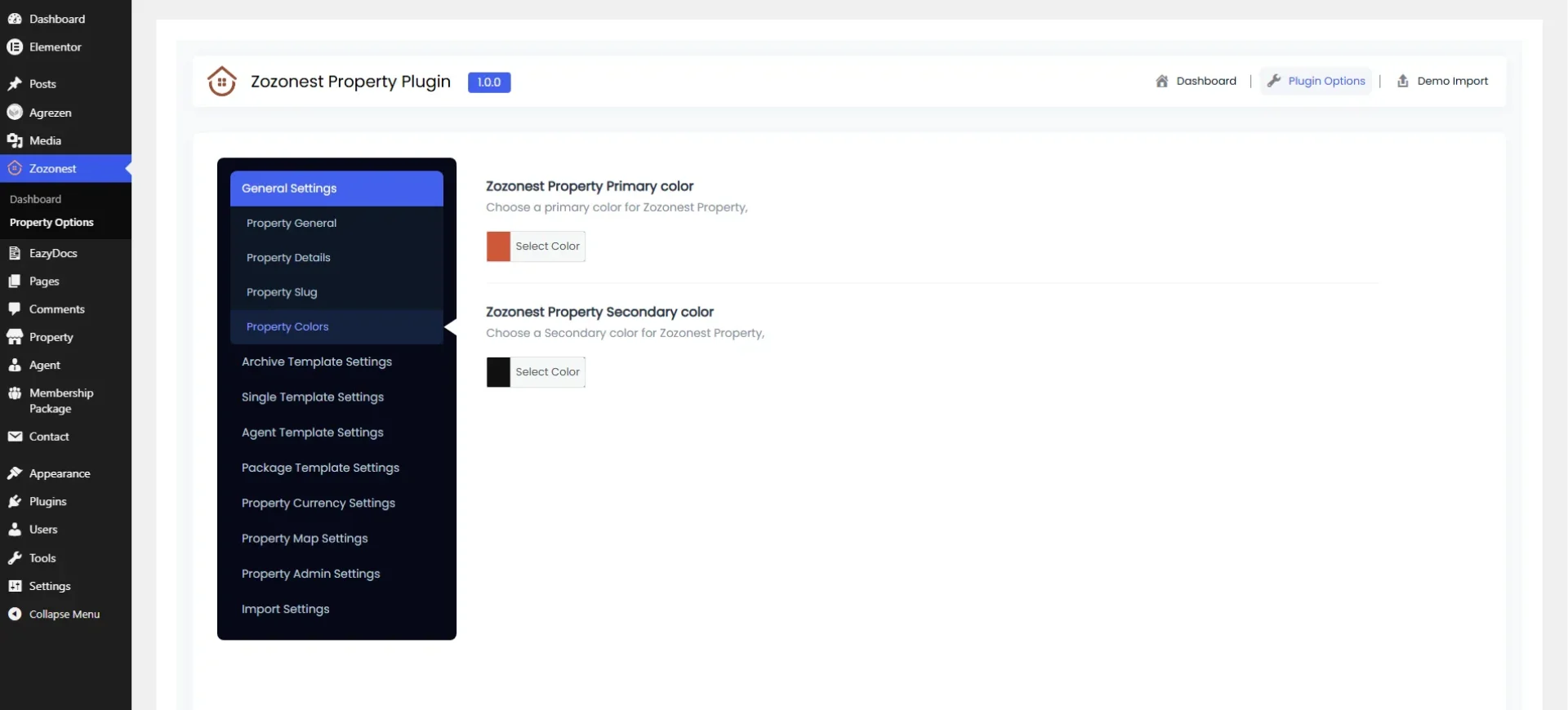
Color Scheme Customization
Strategic modification of the website’s color palette to align with brand identity enhance visual consistency. improve readability, accessibility, and overall user experience.
Make the Right Move

Professional Help & Guidance

Access detailed documentation and reliable support to help you build and manage your real estate website effortlessly.

Knowledge Base

Access in-depth guides, step-by-step tutorials, and detailed documentation to help you get the most out of Zozo Nest.

Elite Support

Get premium support from our experts whenever you need it. We're here to resolve your queries quickly and efficiently.
Faster Decisions
Save time with clear, instant insights.
Trusted Guidance
Expert answers you can rely on
Better Outcomes
Make smarter property choices.
Easy Property Management

Interactive User Property Dashboard

Easily manage, edit, and monitor all your property listings from one centralized control panel. Track inquiries, update details, and stay in full control.

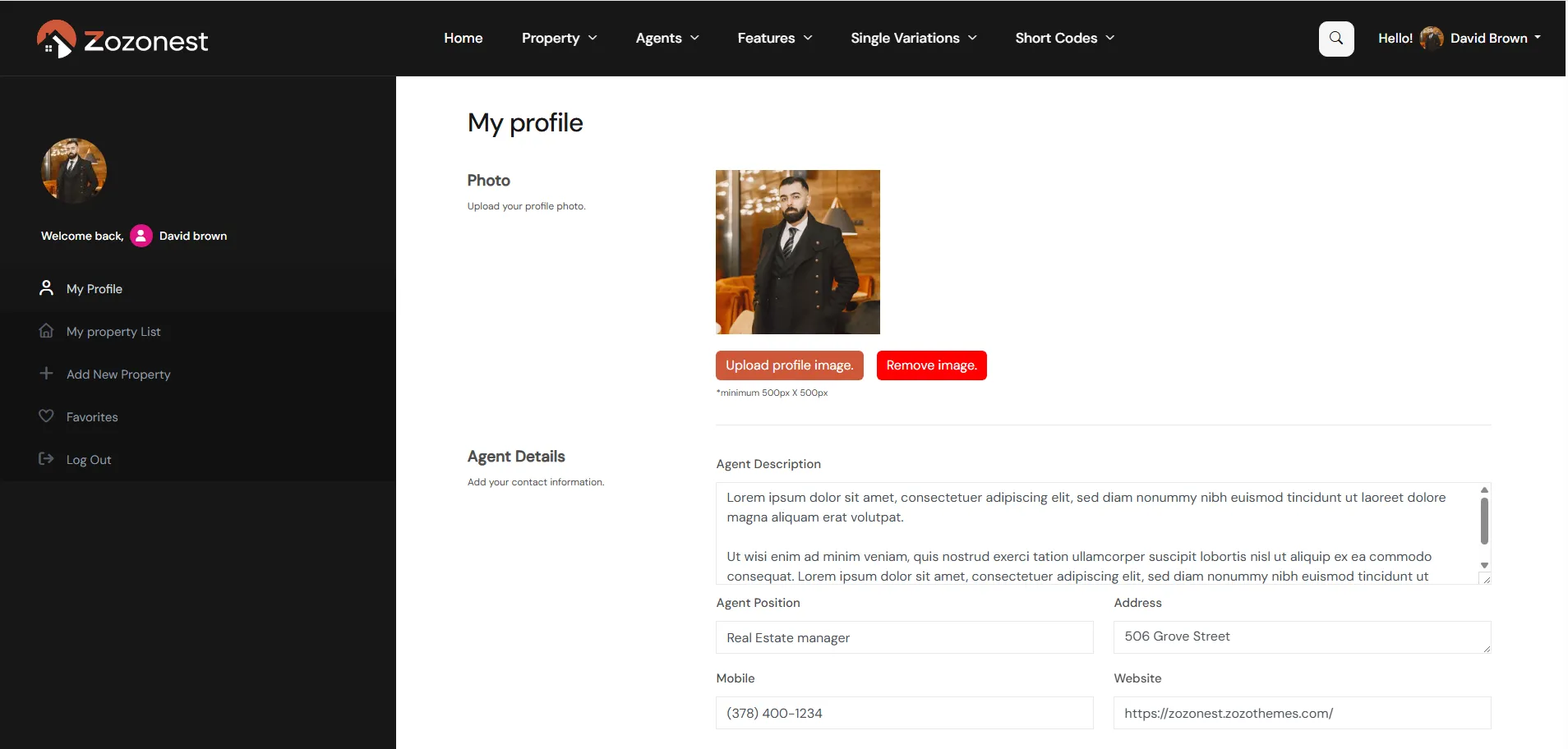
In the My Profile section, you can add or update your agent image, description, personal details, experience, languages, and social media links. You can also change your account password from the same section.
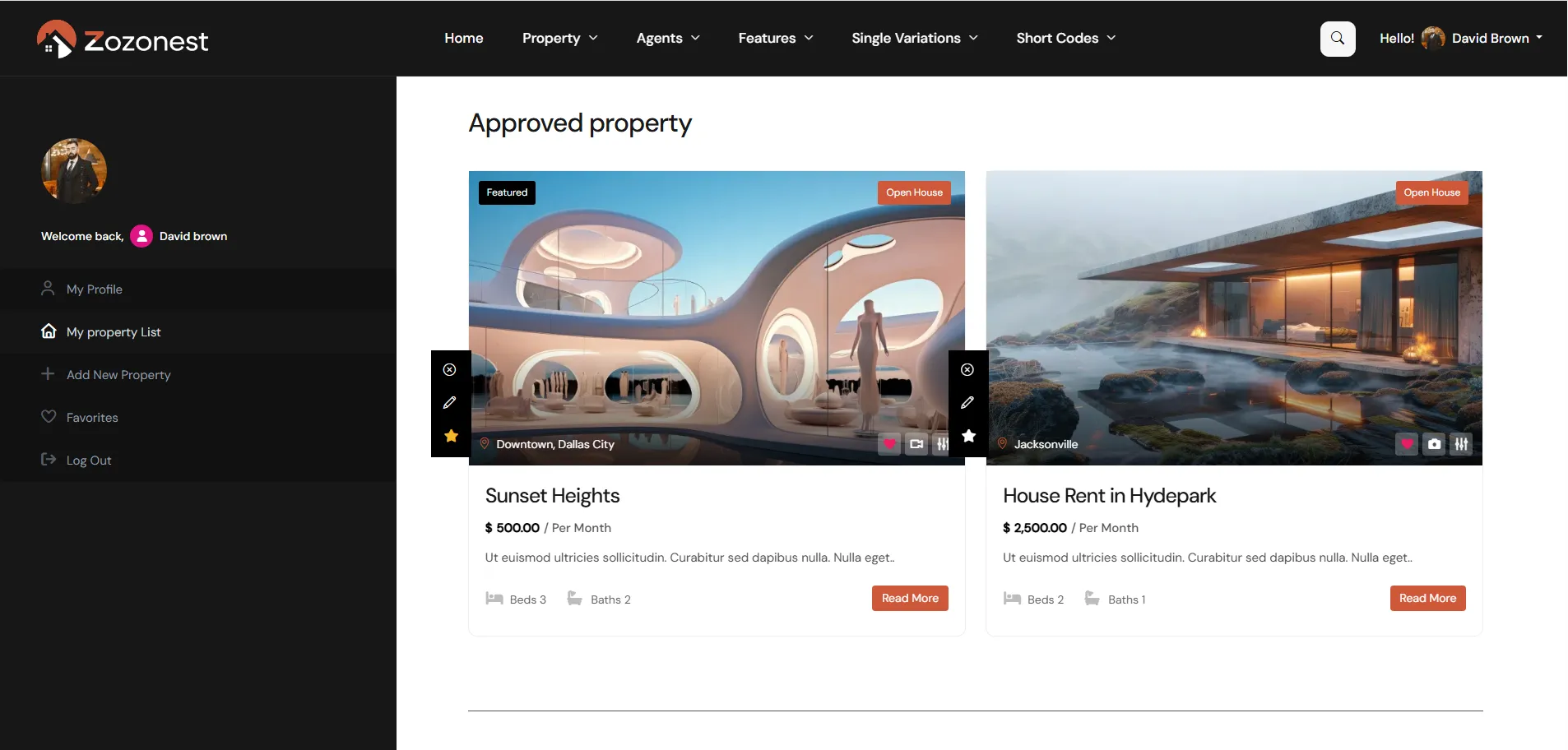
Here, you can view all the properties you have added. You can also check them separately based on their status, such as Approved Properties and Unapproved Properties.
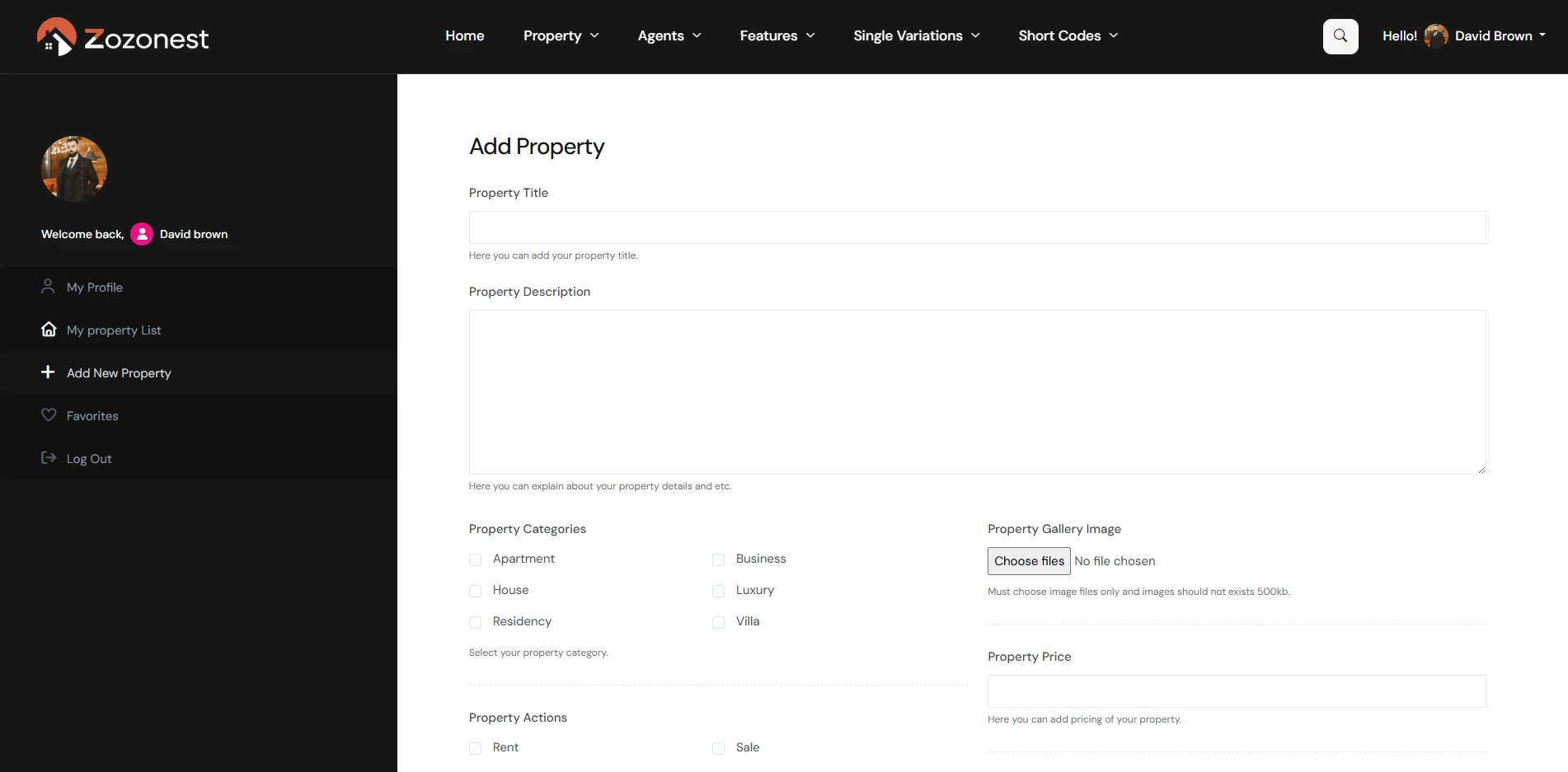
In the Add New Property section, you can create a new property listing. You can enter all the necessary details such as property information, features, floor plans, price, property size, number of rooms, and additional plans. You can also specify the property location, including country, state, city, and area.
In the Favorites section, you can view all the properties that you have liked or saved. This allows you to easily access your preferred listings anytime.
Control Property Information

Individual Property Display Controls

Control every section of your property page with ease. Enable or disable elements using flexible display options.

Property Title
Displays the property name clearly to give visitors an instant overview.
Property Image
Showcases high-quality images of the property in a clean layout.
Description
Provides detailed information about the property and its key highlights.
Address
Displays the full location details of the property clearly.
Property Details
Shows informations such as price, area, bedrooms, and bathrooms.
Features
Highlights the key amenities and special features of the property.
Video
Allows you to showcase property through engaging video tour.
Property Map
Displays the property location using the an interactive map view.
Floor Plans
Shows informations such as price, area, bedrooms, and bathrooms.
Street View
Highlights the key amenities and special features of the property.
Gallery
Allows you to showcase property through engaging video tour.
Similar Properties
Displays the property location using the an interactive map view.
Interactive Property Filters

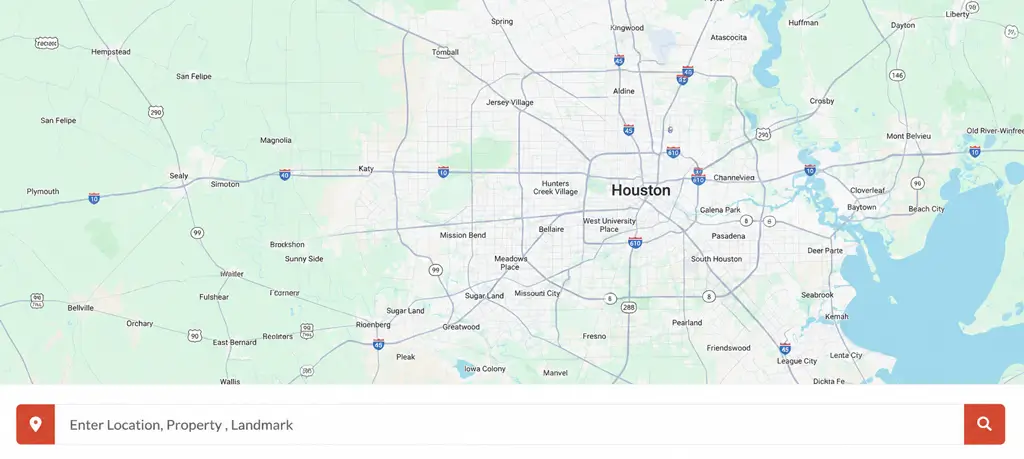
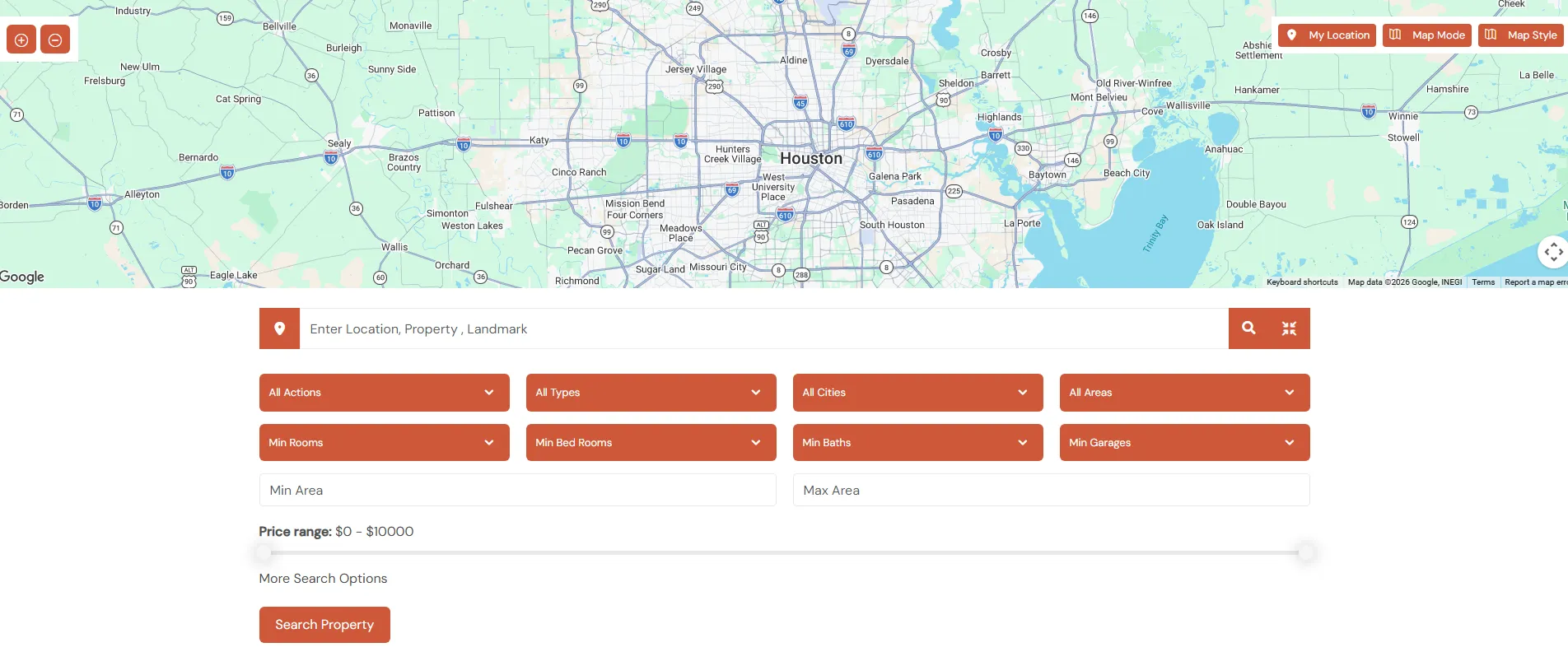
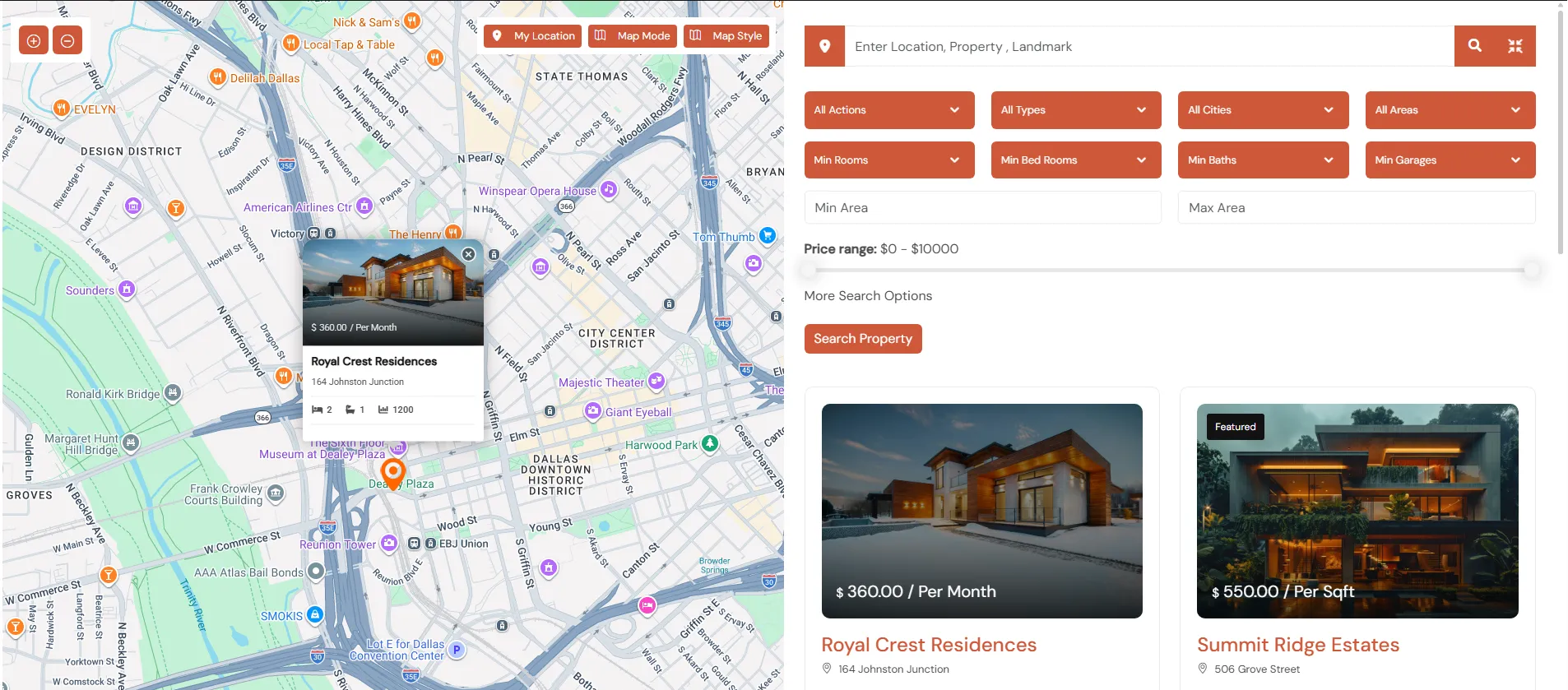
Advanced Google Map Search Experience

Easily explore properties with a powerful, interactive map interface designed for modern home buyers. Filter listings by location, price, features while viewing real-time updates directly the map. A smarter and faster way to discover properties with geo-based search tools.

Real-Time Search Refinement

Enhanced Property Search Tools

Provide instant result updates as users adjust filters, creating a smooth and interactive property discovery process.

Easily refine results using multiple filters such as location, price range, property type, and amenities. Combine keyword search with advanced criteria to find exactly what you’re looking for faster. Deliver a seamless and efficient browsing experience with accurate, real-time search results.
Utilize advanced geolocation technology to automatically detect user location for personalized and relevant search results. Enable accurate property discovery based on proximity, neighborhoods, and regional preferences. Enhance the browsing experience with location-aware filtering and map-based.
Guiding Your Decision

Expert Answers for Smart Buyers

Get clear, reliable insights to help you make confident property decisions. Our real estate experts provide trusted guidance in every step.

What is Zozo Nest?

Zozo Nest is a powerful real estate plugin that helps you create professional property listing websites with advanced search, customizable layouts, and seamless performance.

Zozo Nest is fully compatible with Elementor for easy drag-and-drop customization. Some core features may work independently, but Elementor is recommended for full design flexibility.

Yes, Zozo Nest includes advanced search filters such as location, price range, property type, status, amenities, and more to help users find properties quickly.

Absolutely. Zozo Nest is built with clean code and optimized structure to ensure better search engine visibility and fast-loading property pages.

Yes, you can fully customize the single property layout, including gallery styles, property details, agent information, and contact forms.

Powerful • Flexible • Professional

Launch Your Real Estate Website in Minutes Zozo Nest

Zozo Nest helps you create stunning property websites with advanced search, modern layouts, and seamless performance.

Documentation
Search docs…
Helping You Make the Right Move

Professional Help &

Guidance for Your Events

Access detailed documentation and reliable support to help you
build, manage, and grow your event business effortlessly.
● Step-by-step guides
|
● Quick resolutions
|

● Expert assistance

|
● Your success, our priority
Need Help?
Our support team is
here for you!
●
Real People
Real Support

Knowledge Base

Detailed guides, setup instructions,
and feature explanations.
Popular Topics
Event Setup
›

Ticket Types

›
Payment Integration
›
Shortcodes
›
Troubleshooting
›

Elite Support

Premium assistance designed to
resolve your queries quickly.
Hi! 👋
How can we help you today?
General Support
›
Customization Help
›
Bug Report
›
Reliable Support
|
Faster Resolution
|
Better Event Experience
|
Your Success Matters